


You can have a great topic, solid slides, and valuable expertise and still lose your audience halfway through a webinar.
It happens all the time.
People open another tab. They check email. They stop paying attention. Some quietly leave before you even get to your main point.
Usually, it’s not because the content is bad.
It’s because the webinar feels passive.
The good news is that interactive webinars don’t require flashy production, high-pressure energy, or complicated tech. In fact, the best webinar engagement strategies are often simple.
A few well-timed questions. A live poll. A quick chat prompt. A moment that makes attendees feel involved instead of talked at.
If you’re a coach, consultant, educator, or service-based business owner, learning how to make a webinar interactive can dramatically improve audience engagement, retention, and conversions.
In this guide, you’ll learn practical ways to create a better webinar experience so attendees stay engaged and actually take action.
Why Interactive Webinars Perform Better Than Passive Presentations
Most people don’t attend live webinars because they want another lecture.
They join because they want help solving a problem.
When webinar attendees feel involved in the conversation, they pay attention longer and trust the presenter faster.
That’s why audience participation matters so much.
People Learn Better When They Participate
Think about the last online event you attended.
What kept your attention?
It probably wasn’t a 45-minute slideshow with no interaction.
People learn best when they actively participate. Even small engagement moments help attendees stay mentally present.
Simple prompts like these can instantly improve webinar engagement:
- “Type YES in the chat if this sounds familiar.”
- “What’s your biggest challenge with time management?”
- “Have you tried this before?”
These small actions pull people back into the experience.
Instead of passively consuming information, attendees become part of the webinar itself.
Engagement Builds Trust Faster
Trust grows faster when webinars feel conversational.
That matters especially for coaches, consultants, and experts whose businesses rely on relationships.
Interactive webinars create moments where attendees feel seen and understood.
For example, imagine a financial advisor hosting a live webinar about retirement planning. Instead of jumping straight into slides, they ask attendees:
“What’s your biggest concern about retirement right now?”
Some people say inflation. Others mention healthcare costs or market uncertainty.
Now the webinar feels personal.
That simple interaction creates connection before the teaching even begins.
Interactive Webinars Lead to More Conversions
Audience engagement doesn’t just improve the attendee experience.
It also improves results.
Engaged attendees are more likely to:
- Stay until the end
- Respond to offers
- Ask questions
- Book calls
- Remember your message
Participation creates small psychological commitments throughout the webinar.
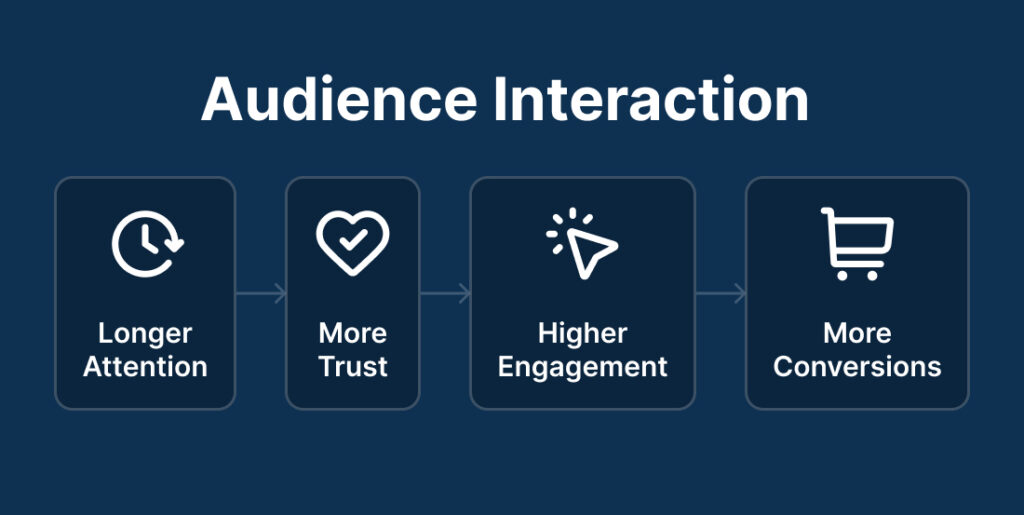
When attendees interact, they become more invested in the outcome.
That’s one reason why webinar platforms with built-in engagement tools, like live chat, polls, and Q&A features, often perform better than static presentations.
The Biggest Reasons Webinar Attendees Lose Interest
Many webinar hosts assume they need better slides or more advanced marketing.
Usually, the problem is much simpler.
Most webinars lose attention because they become exhausting to sit through.
Talking Too Long Without Interaction
One of the fastest ways to lose webinar attendees is speaking for too long without pausing.
Even highly motivated audiences struggle to stay focused during long teaching sections.
A good rule is to create some form of audience interaction every 5 to 10 minutes.
That interaction doesn’t need to be complicated.
You can:
- Ask a question in the chat
- Launch a quick poll
- Invite attendees to reflect on something
- Ask for a simple yes-or-no response
Small engagement checkpoints help reset attention.
Overloading People With Information
Experts often teach too much because they genuinely want to help.
But too much information creates overwhelm.
A nutrition coach, for example, could spend 40 minutes explaining every detail of metabolism science.
Or they could simplify the message into three practical habits people can start using immediately.
The second approach usually creates a better webinar experience.
Clarity keeps attendees engaged.
Overloading them with information pushes them away.
Making the Webinar Feel Like a Lecture
People don’t want to feel trapped in a classroom.
They want conversation.
That doesn’t mean your webinar needs constant entertainment. It simply means attendees should feel included throughout the presentation.
Simple audience engagement prompts work well:
- “Where are you joining from?”
- “What’s been your biggest obstacle so far?”
- “Drop a 1–10 in the chat.”
These moments create energy without disrupting the flow of the webinar.
How to Make a Webinar Interactive Before the Webinar Starts
Great webinar engagement starts before the live event begins.
The more connected attendees feel beforehand, the more likely they are to participate during the webinar.
Build Anticipation Before the Event
Most webinar reminder emails are forgettable.
But a small shift can increase attendee engagement significantly.
Instead of only reminding people about the date and time, invite them into the conversation early.
For example:
- “What’s the biggest challenge you want help with?”
- “Reply with one question you hope gets answered.”
- “Come ready to participate live.”
This creates investment before attendees even join the room.
Use Registration Questions Strategically
Your webinar registration form is an engagement opportunity.
Ask one or two simple questions during registration.
For example:
- “What’s your biggest challenge with productivity?”
- “What are you hoping to improve this year?”
- “What would success look like for you?”
These answers help you understand your audience better.
They also give you real language you can reference during the webinar.
When attendees hear their exact struggles mentioned live, they immediately feel understood.
Prepare Interactive Moments Ahead of Time
Many hosts try to improvise engagement during live webinars.
That usually creates awkward pauses.
Instead, plan interaction intentionally.
Map out where engagement will happen before the webinar starts.
A simple structure works well:
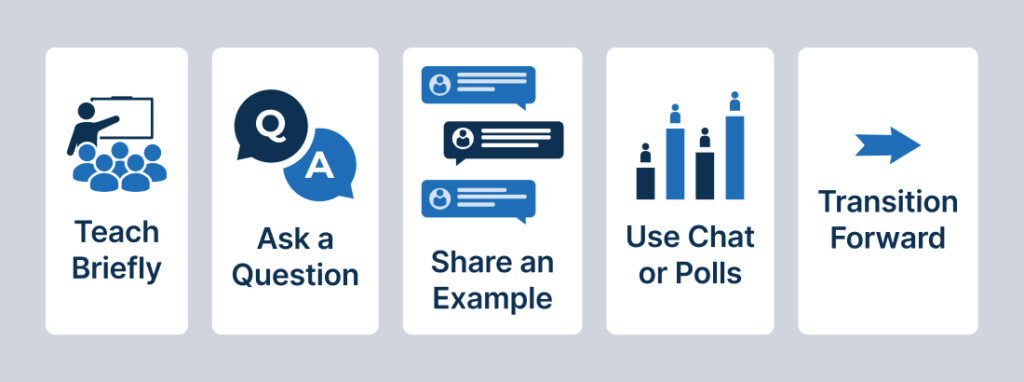
- Teach briefly
- Ask a question
- Share an example
- Use chat or polls
- Transition to the next point
This keeps the webinar moving naturally.
The Best Ways to Make a Webinar Interactive During the Presentation
You don’t need dozens of engagement tools to run interactive webinars successfully.
A few simple tactics are usually enough.
Use Polls to Keep Attention High
Polls are one of the easiest ways to improve webinar engagement.

They work because they interrupt passive viewing.
Even distracted attendees tend to respond when a poll appears.
For example, a leadership consultant could ask:
“What’s your biggest management challenge right now?”
- Team communication
- Delegation
- Hiring
- Burnout
Now attendees feel involved instead of invisible.
Polls also help presenters adjust the webinar based on audience responses.
Encourage Chat Participation Early and Often
The first few minutes of a webinar matter a lot.
If attendees interact early, they’re more likely to stay engaged throughout the presentation.
Start with easy prompts like:
- “Where are you joining from?”
- “What industry are you in?”
- “What made you sign up today?”
As the webinar continues, keep using chat strategically.
For example:
- “Does this sound familiar?”
- “Have you experienced this before?”
- “What would this change for your business?”
These prompts create ongoing audience interaction without slowing down the webinar.
Break Up Teaching With Questions
Long teaching sections create mental fatigue.
Questions help reset attention.
You can ask:
- Reflective questions
- Scenario-based questions
- Quick opinion questions
- Decision-making questions
For example, a fitness coach teaching about habit formation might ask:
“What habit do you struggle to stay consistent with the most?”
This immediately reconnects attendees to the content.
Use Live Q&A to Increase Trust and Connection
Q&A sessions are one of the most powerful webinar engagement tools available.
They make webinars feel human.
Attendees get direct access to expertise in real time.
That creates trust quickly.
And if attendance is smaller than expected, don’t panic.
Smaller webinars often create better conversations because attendees feel more comfortable participating.
Answer questions thoroughly and conversationally.
That personal connection matters more than audience size.
Use Stories and Real Examples Instead of Constant Slides
Slides alone rarely hold attention for long.
Stories do.
Real examples help attendees understand concepts faster because they can picture themselves in the situation.
For example, a physical therapist teaching posture improvement could share:
“One client thought she needed expensive equipment to fix her back pain. But after changing a few daily habits, she noticed less pain within two weeks.”
That’s easier to remember than a dense slide full of bullet points.
Stories create emotional connection and clarity at the same time.
Simple Interactive Webinar Framework You Can Follow
You don’t need a complicated webinar structure.
In fact, simpler usually works better.
The 10-Minute Engagement Rhythm
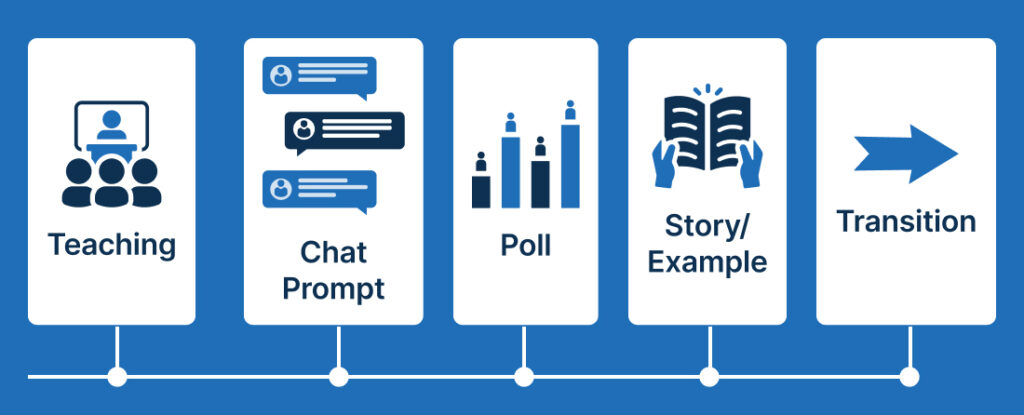
A good webinar rhythm looks something like this:
- Teach one core idea
- Ask a question
- Use chat or polls
- Share a quick example or story
- Transition into the next point
Then repeat.
This structure keeps attendees mentally engaged without making the webinar feel chaotic.
Consistency matters more than creativity.
Balance Teaching, Interaction, and Selling
Many webinar hosts swing too far in one direction.
Some teach endlessly and never transition into an offer.
Others pitch too aggressively and lose trust.
The best webinars balance all three:
- Valuable teaching
- Audience interaction
- Clear next steps
Interaction helps bridge the gap naturally.
When attendees are engaged throughout the webinar, offers feel more relevant and less forced.
This is also where your webinar platform matters.
Using webinar software with built-in chat, polls, Q&A, and attendee engagement tools makes interaction feel smoother and easier to manage.
Interactive Webinar Mistakes to Avoid
Sometimes improving webinar engagement is less about adding more and more about removing friction.
Trying to Sound Perfect
You do not need perfect delivery.
In fact, overly polished webinars can feel distant.
People connect with authenticity.
If you lose your train of thought briefly or laugh at a small mistake, that often makes you feel more relatable.
Your audience wants clarity and connection, not perfection.
Using Too Many Engagement Tools at Once
More engagement tools do not automatically create better engagement.
Too many polls, pop-ups, and interactions can overwhelm attendees.
Keep it simple.
Focus on a few interactive features that genuinely improve the attendee experience.
Usually, chat, polls, and Q&A are enough.
Ignoring Quiet Attendees
Not everyone participates publicly.
Some attendees learn quietly while still paying close attention.
Avoid assuming silence means disinterest.
Use low-pressure prompts that make participation feel easy and optional.
Waiting Until the End to Engage the Audience
One of the biggest webinar mistakes is waiting until the Q&A section to involve attendees.
By then, many people have already mentally checked out.
Start engagement early.
The first few minutes set the tone for the rest of the webinar.
The Best Webinar Features for Audience Engagement
The right webinar platform can make interaction feel simple instead of stressful.
That matters for busy experts who already feel stretched thin.
Chat, Polls, and Q&A Features That Matter Most
You don’t need complicated webinar software loaded with unnecessary features.
Focus on the tools that directly improve attendee engagement:
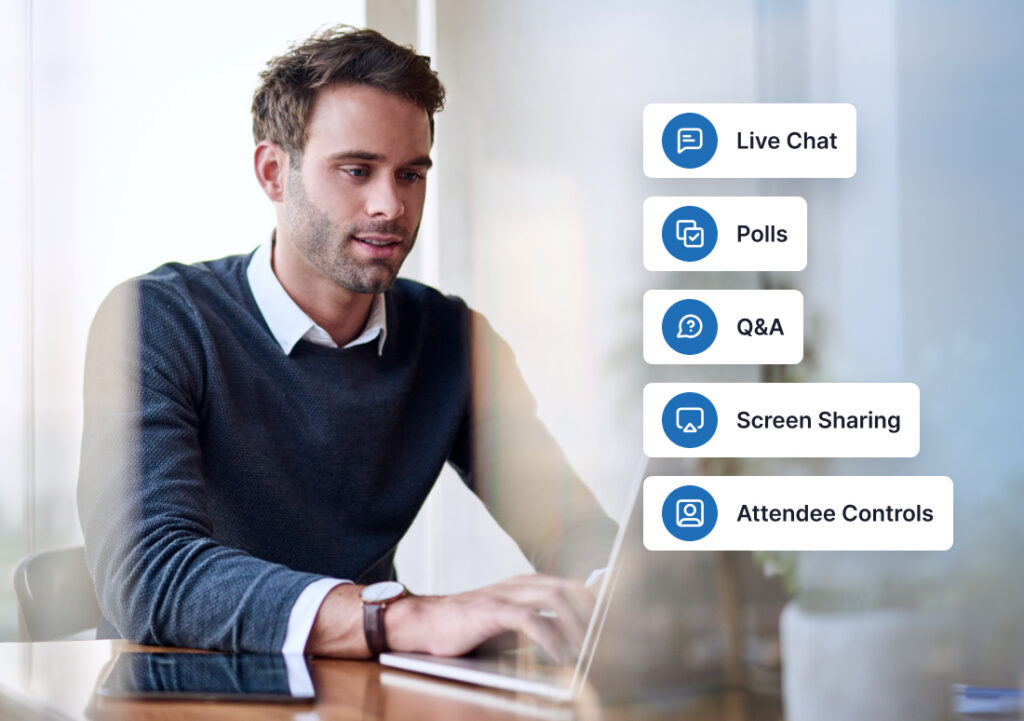
- Live chat
- Polls
- Q&A
- Easy screen sharing
- Clear attendee controls
Simple systems reduce overwhelm for both presenters and attendees.
Why WebinarJam Works Well for Interactive Webinars
WebinarJam is built specifically for live webinar engagement.
It includes interactive features like:
- Built-in live chat
- Polls
- Live Q&A
- Flexible attendee interaction tools
- Easy presentation controls
That means you can focus more on teaching and connecting and less on managing complicated tech.
For coaches, consultants, educators, and experts who want webinars to feel more conversational and engaging, that simplicity matters.
Final Thoughts: Engagement Creates Action
Learning how to make a webinar interactive is not about becoming louder, more entertaining, or more polished.
It’s about making people feel involved.
Small moments of participation create momentum.
A quick poll. A thoughtful question. A live response in chat.
Those simple interactions help attendees stay engaged, trust you faster, and take action more confidently.
And the good news is you don’t need complicated systems to make it work.
You just need a webinar experience that feels human.
If you want a simpler way to create engaging live webinars with built-in audience interaction tools, WebinarJam gives you everything you need to host interactive webinars without unnecessary complexity.